
Expense Report Software
Expense reporting in a few clicks. With WellyBox you create your monthly, quarterly and yearly expense reports, without doing any typing.
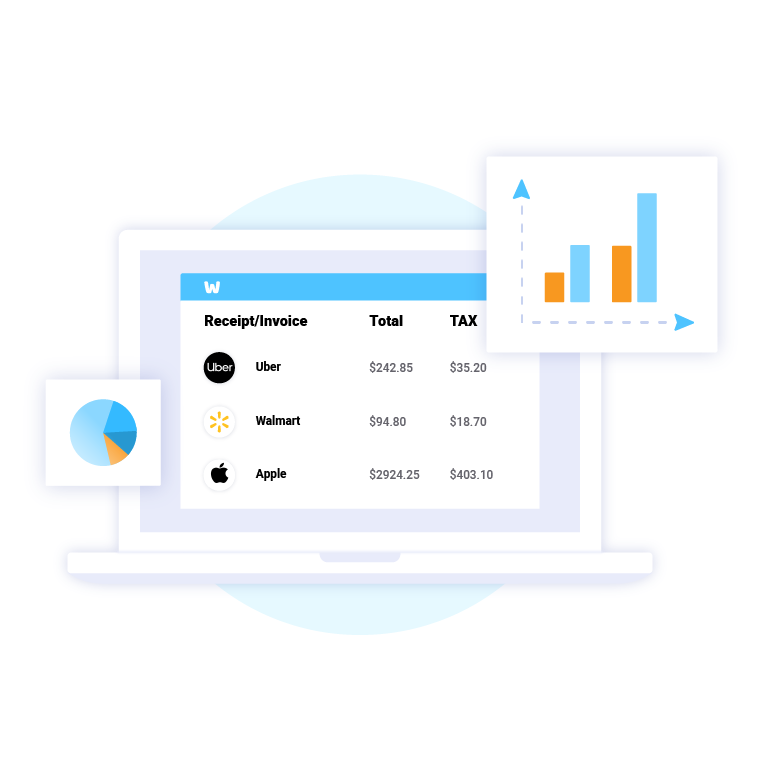
Never File Another Expense Report
Turn your receipts into data, without the data entry part. WellyBox automatically extracts all expense data from your digital and paper receipts to your expense report.
Your Small Business
Needs Your Time
Wellybox is a perfect expense report software for self-employed, freelancers, and SMBs. Obtain free expense reports automatically with a click of a button. Instead of wasting your time typing expense reports, go automated with WellyBox and grow your business with the time you save.

Integrate with QuickBooks & Concur for Seamless Expense Reporting
Make your life easier while still using your favorite tools. Send your expense reports to your accounting solution in a flash. Wellybox integrates with all accounting software: QuickBooks, Concur, Xero, Sage, Freshbooks, Netsuite, Wave, and many others.
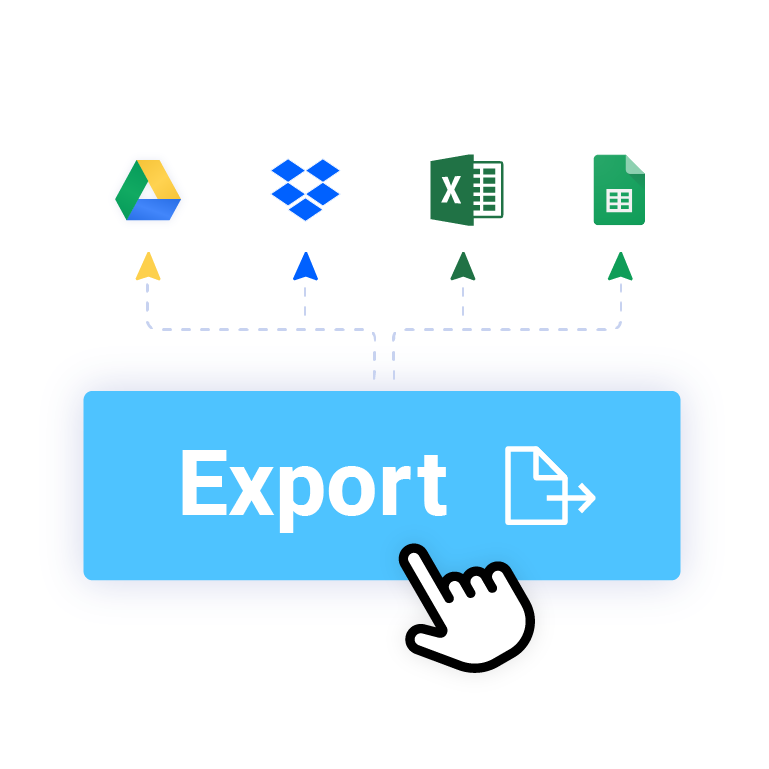
Export Expense Reports to Excel
Instantly export your expense reports to Excel, Word, Google Sheets, or Google Docs. You can also share your expense report with your accountant or bookkeeper, with a click of a button.

Frequently Asked Questions
What is an expense report?
An expense report is a form used to track spending within a business. Expense reports itemize all of the expenses that businesses require to ensure continued functioning, including employee expenditures for which they request reimbursement, such as gas or meals. Expense reports can also be used to detail employee advances. In both cases, the employee attaches all relevant receipts to the report.
How can I create an expense report?
The mosy easy way to create expense reports is with WellyBox. Its finds your expenses automatically and create them for you. If you’re a fan of manual doing your books, there is another option. To create an expense report, first choose an expense report template or software solution. Doing so will save you a lot of time and many headaches. Next, choose where you will work on your report: Excel, PDF, Word or other popular programs. Adapt the columns as needed, so that they reflect expenses that are most common to your business. Add in the itemized expenses (having your receipts organized in an easy-to-use receipt scanner and organizer app really helps) and tally up the sum. Don’t forget to attach all relevant receipts before printing or emailing your expense report to your manager.